
Adult Tours
Please reserve tour 3 weeks in advance of arrival. Guided tours available for 10-50 guests. Groups will be divided into smaller touring groups upon entering the museum.
Request A TourMore Info
Docent-Led Tours
Present a federal-issued Retired or Current Military ID. For Blue Start Museum, free admission begins on Armed Forces Day in mid-May and ends on Labor Day.
Self-Guided Group Rate
Groups of 10 or more can explore the Hunter on their own at a reduced rate. $18 per person paid in lump sum by visit date.

K-12 Tours
Tours must be reserved at least 3 weeks in advance. School tours are available starting at 10AM on Mondays, Wednesdays, Thursdays, and Fridays. For all school groups, one adult chaperone or teacher is required per 10 students. Additional chaperones will be charged full admission rates. Payment due at time of visit. No self-guided experiences are available for student groups.
Request A TourMore Info
Docent-Led Tours
$4
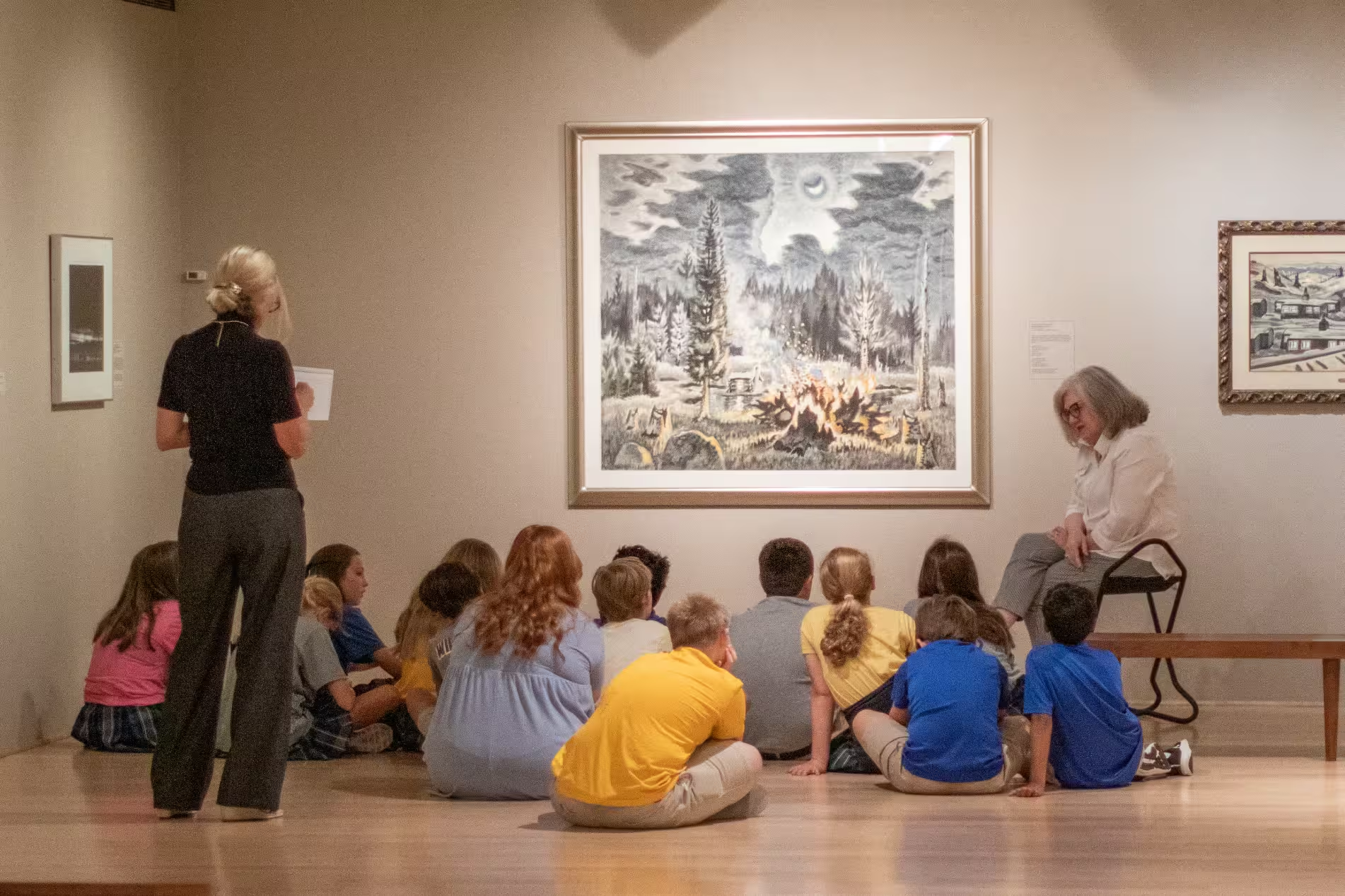
Students will be divided into small groups to receive a guided tour of the museum with one of three themes (Elements of Art, Art History, or STEAM) as selected by the teacher. Groups can learn about the Hunter Museum permanent collection or special exhibition with docents.
- 1-hour tour.
- Limit 70 students per tour.
- $4 per student ($2 per student for Title 1 schools)
- Larger classes can arrange for a 2-hour block in which students rotate between tours and outdoor experiences.
Self-Guided Group Rate
$8
Students will be divided into small groups to receive both a guided tour of the museum and a studio experience, creating their own art work inspired by the galleries. Theme options include Off the Wall: Paper Sculptures, American Symbols: Collage, Landscape and Environment: STEAM, What’s the Story: Artist Books.
- 1-hour tour.
- Limit 70 students per tour.
- $4 per student ($2 per student for Title 1 schools)
- Larger classes can arrange for a 2-hour block in which students rotate between tours and outdoor experiences.
Digital Card FAQs
Your Hunter membership is not changing — same great benefits, now in your digital wallet. Just as physical cards were mailed to a physical address, digital cards are sent to an email address and kept on your mobile device.
Nothing! We’ll send you an email with a link to download your card.
Each active member with a unique email address will receive an email from memberships@huntermuseum.org containing a link to download their individual digital membership card within two hours of renewal or joining. Please look for the subject line “Your Hunter Museum Digital Membership Card is Ready”.
Note for Android users: You may need to install Google Wallet from the Google Play Store prior to downloading.
Once downloaded, your digital membership card lives in your smartphone's wallet app. On iPhone, open the Apple Wallet and look for your Hunter Museum card. On Android, open the Google Wallet and find your card there. Your card will always be available even without cell service or wifi.
Each card is assigned to a specific email address, so each person will receive their own email with their individual card. Please note that if there is only one email address associated with the membership, only one digital card will be issued. If the second person on your membership does not receive an email with a link to their digital card, please contact us at memberships@huntermuseum.org to provide a second so we can issue the secondary card.
One digital membership card will cover entry and membership benefits for both members. If you think you would like to use your membership benefits separately, while traveling for example, it’s best for each member to have an individually assigned card.
No worries! Please visit the Guest Services desk at your next visit or contact us at memberships@huntermuseum.org and we'll resend you the email with your card's unique link.
Yes. Once your renewal has been processed, your digital card will automatically update with your new expiration date. You will not need to download a new card. Please allow up to two hours for your updated card to appear in your digital wallet.
Your card will remain in your wallet but will automatically update to show as expired. The card will change color with the status marked "Expired." Once your membership is renewed and processed, your card will automatically reactivate and update within two hours. You don't need to download a new card.
Your digital membership card works just like your physical card. Simply show your digital card to Guest Services staff at the front desk upon entry. For use at locations outside of the Hunter (i.e, reciprocal benefits or local discounts), be prepared to show your digital card for confirmation of benefits.
Membership benefits and additional updates are listed in your Pass Details, the digital equivalent to the back of your physical card.
To view them:
Apple: Open your card in Apple Wallet, tap the three dots in the top right corner, and select 'Pass Details.'
Android: Open Google Wallet, tap your card, then tap the three dots in the top right corner.
Please email us at memberships@huntermuseum.org or stop by the front desk on your visit and our Guest Services team will take care of you.
Your digital card will have the NARM logo. Simply show your digital membership card at participating museums to enjoy your reciprocal benefits. You can find all participating museums here.
Yes. Unless you specify otherwise, we will send the digital membership card to the email provided for the gift recipient.
Your digital card will have this reciprocal benefit listed. Simply show your digital membership card at participating museums to enjoy your reciprocal benefits. You can find all participating museums here.